
-
Go to settings.
-
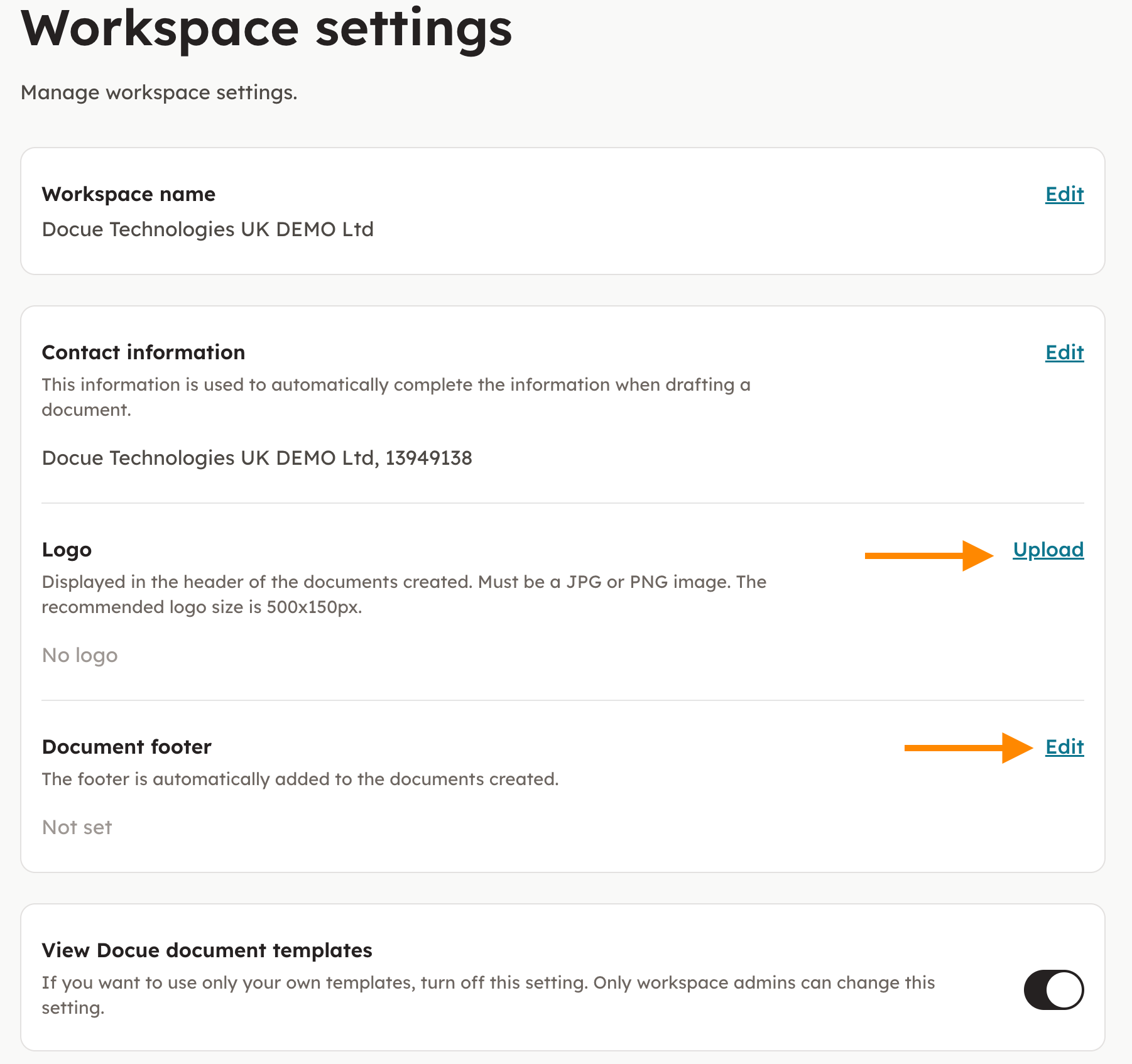
Choose "Workspace settings". Upload your logo and type in your document footer.
-
From now on you can automatically add the company logo and document footer to your documents.
Key words: Personify, cover, logo, logotype, sub label, label