
In this article, we will go through how to (1) create a new folder (2) how to create a sub-folder and (3) how to open, move, and delete a folder.
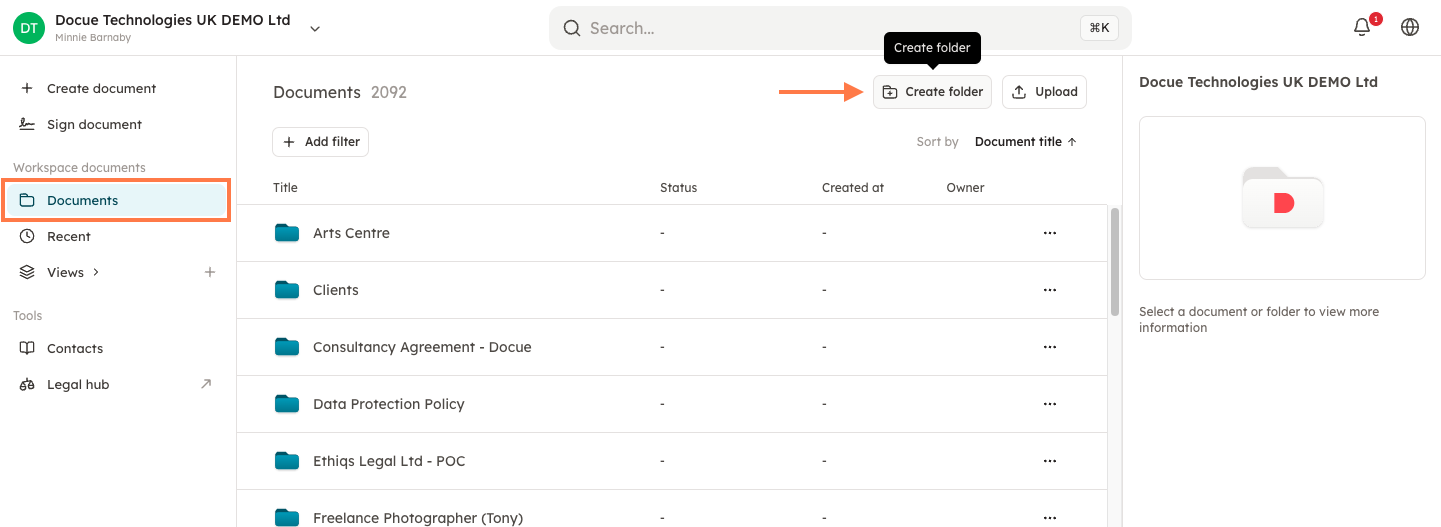
1. To create a new folder, you need to do the following:
-
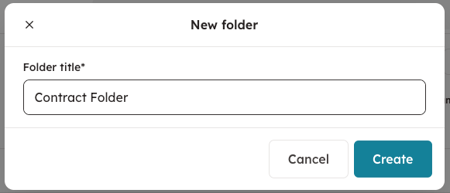
Click on "Documents" in the left column and then on "Create folder" in the upper right corner. You will then get a new box where you can name your new folder.
-
Alternatively, you can choose to first create a document that you can then choose in which folder the document should be saved, or to create a new folder.
2. How to create a sub-folder.
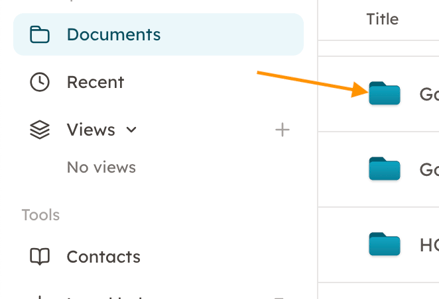
Go to "Documents" and click on the folder of your choice.
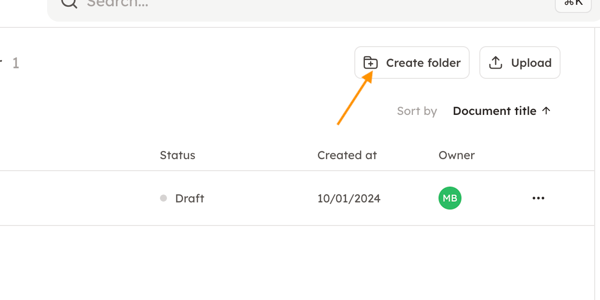
Then you can create a sub-folder to that folder by clicking on "Create folder".
3. Open, move and delete folders.
The image below shows how to open, move and delete a folder. By opening a folder, you can import documents and add filters to the folder that allow you to filter when you search in your Docue Drive.
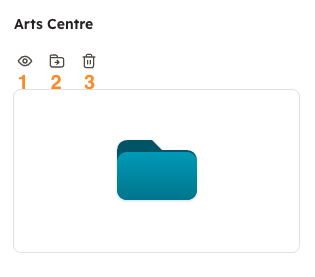
You can:
-
Open the folder to access documents and add filters.
-
Move the folder to another folder.
-
Delete the folder.
Keywords: Create folder, folders, organize