
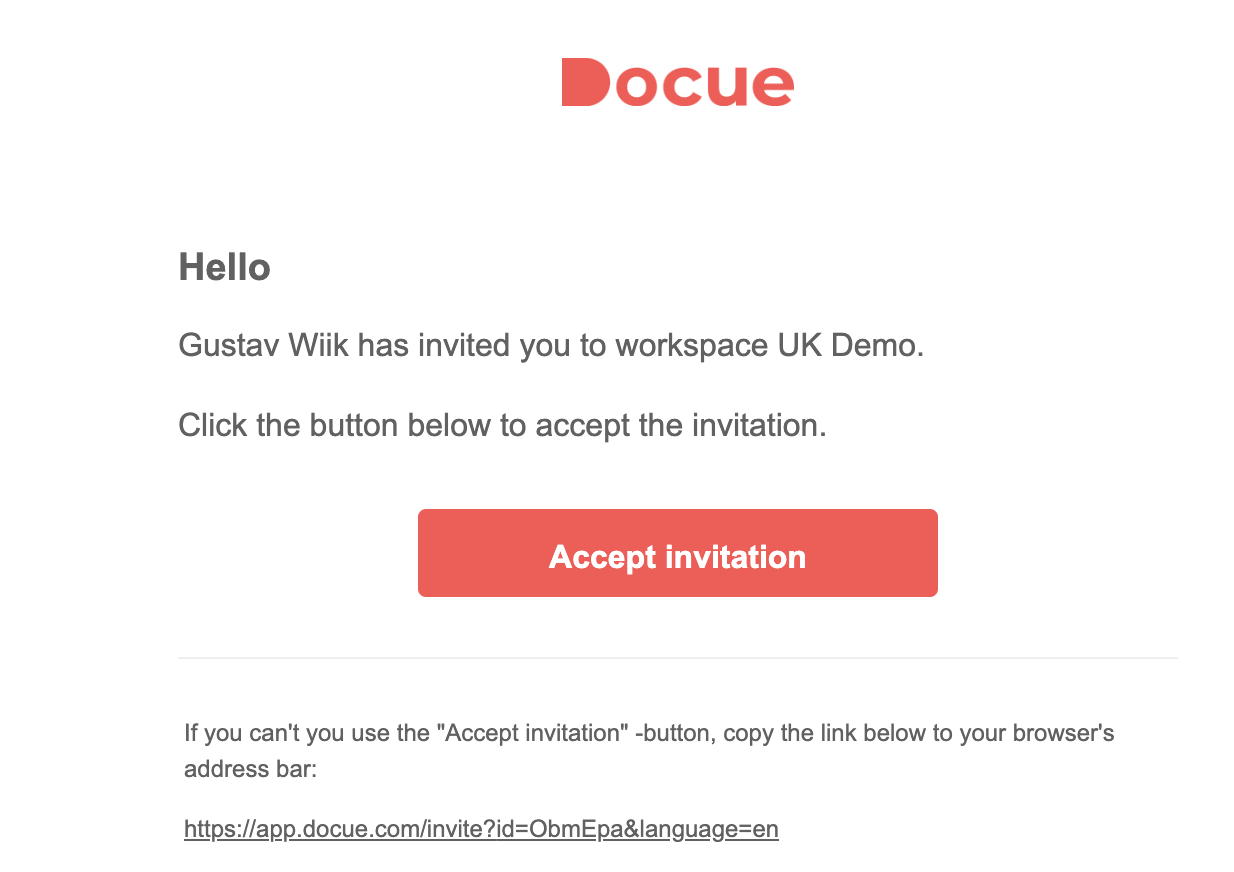
1. Press "Accept invite", or copy the link found in the message.
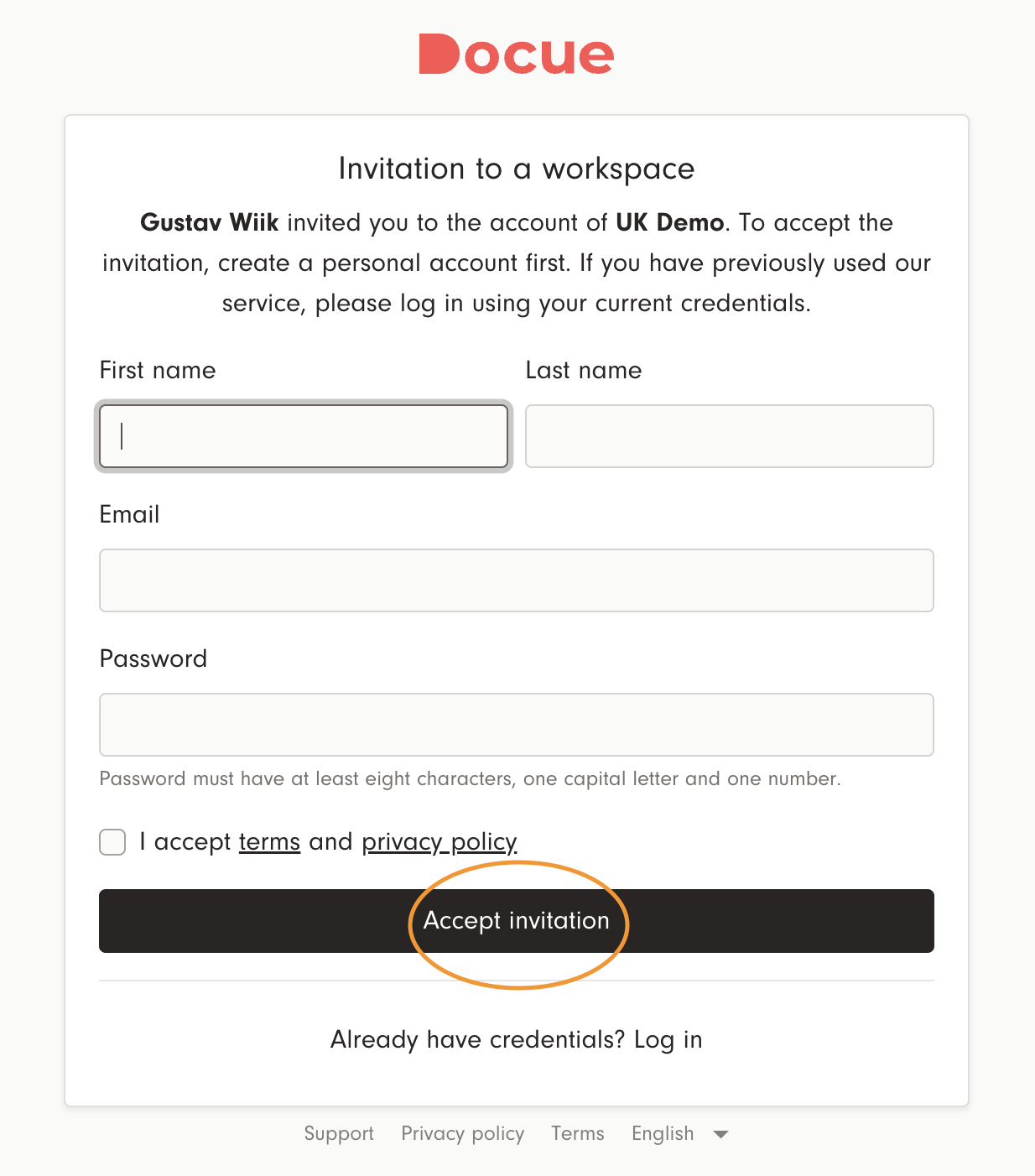
2. If you don't have an account, create log in credentials and accept the terms and conditions. If you already have an account, choose "Already have credentials? Log in"
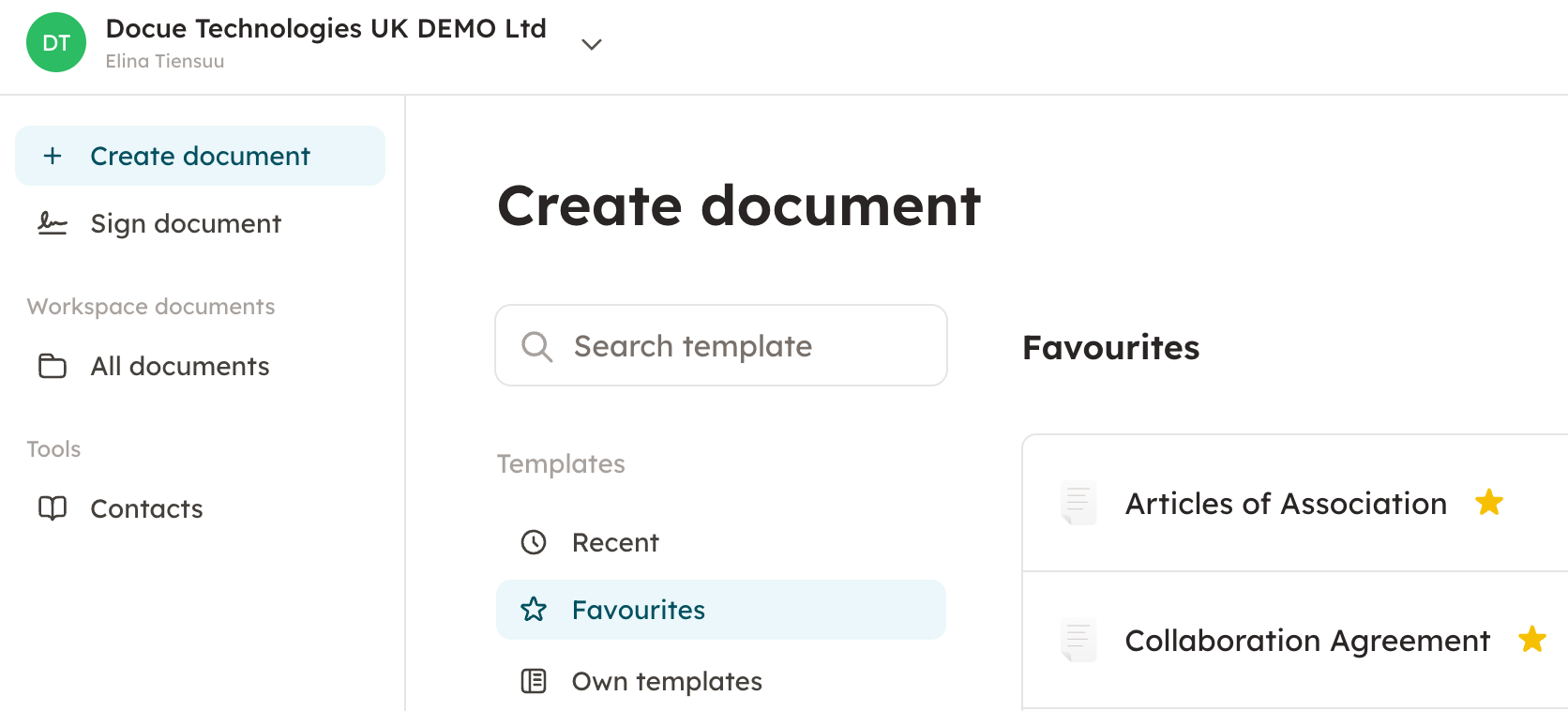
3. You've now joined the workspace.
4. From now on you can login through our webpage: https://app.docue.com/login or by clicking log in on our webpage.