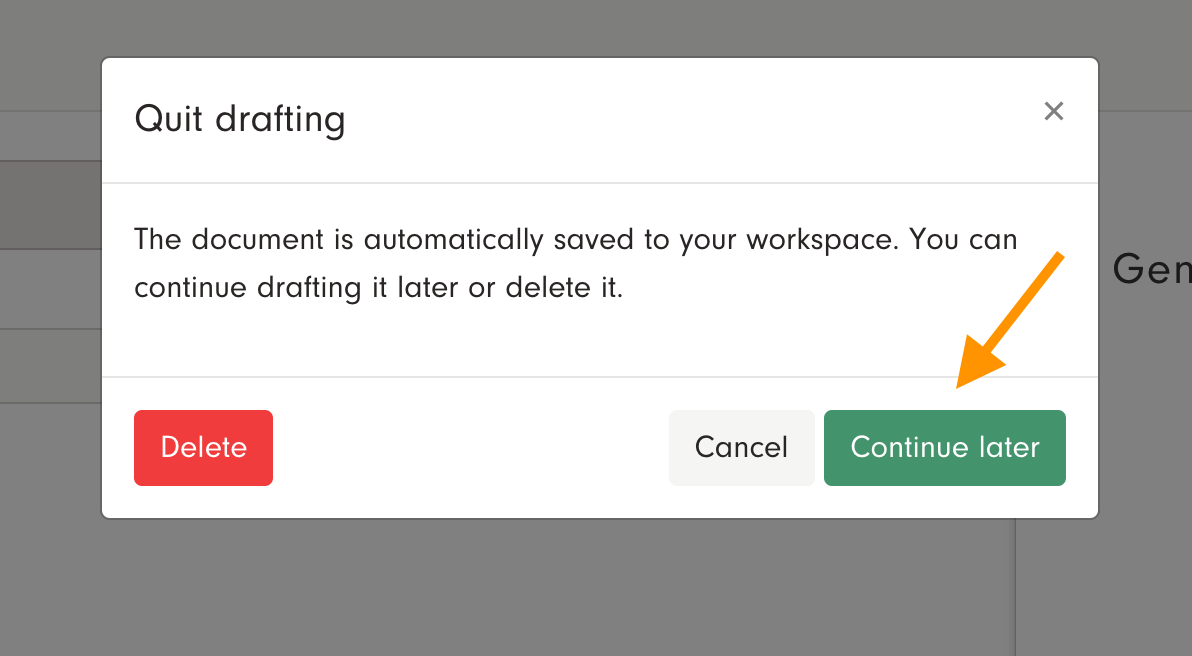
If you've started drafting documents logged in to your account, the documents are automatically saved to the Docue archive while you're drafting. You can also save the document manually in the upper right corner by clicking "Continue later" twice.

Editing drafts
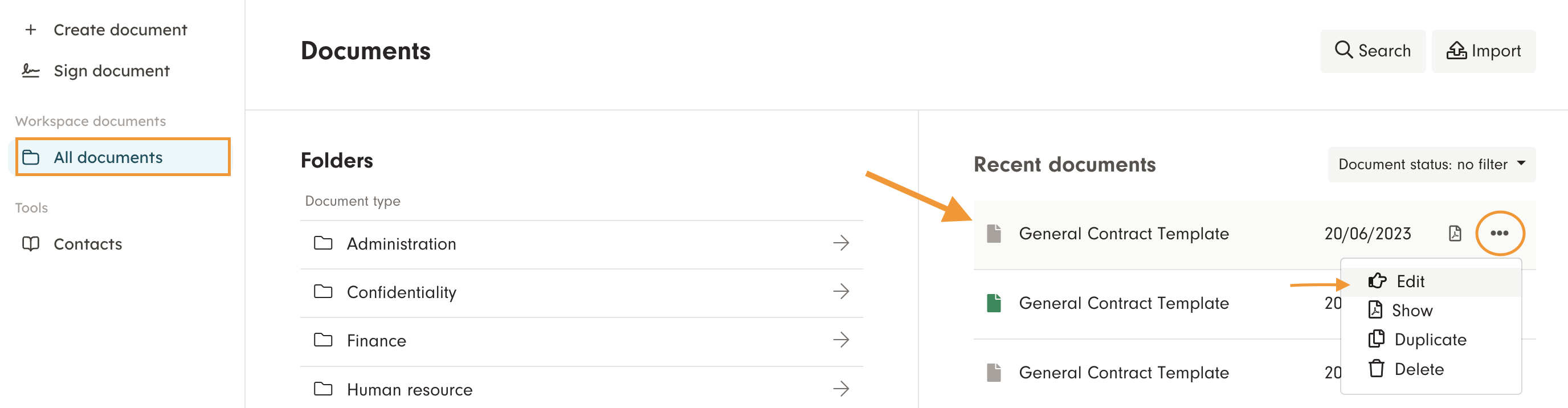
You can edit drafts in "Documents" either by clicking archive card and then choosing "Edit", or by choosing three dots next to the document name, and the choosing "Edit".