
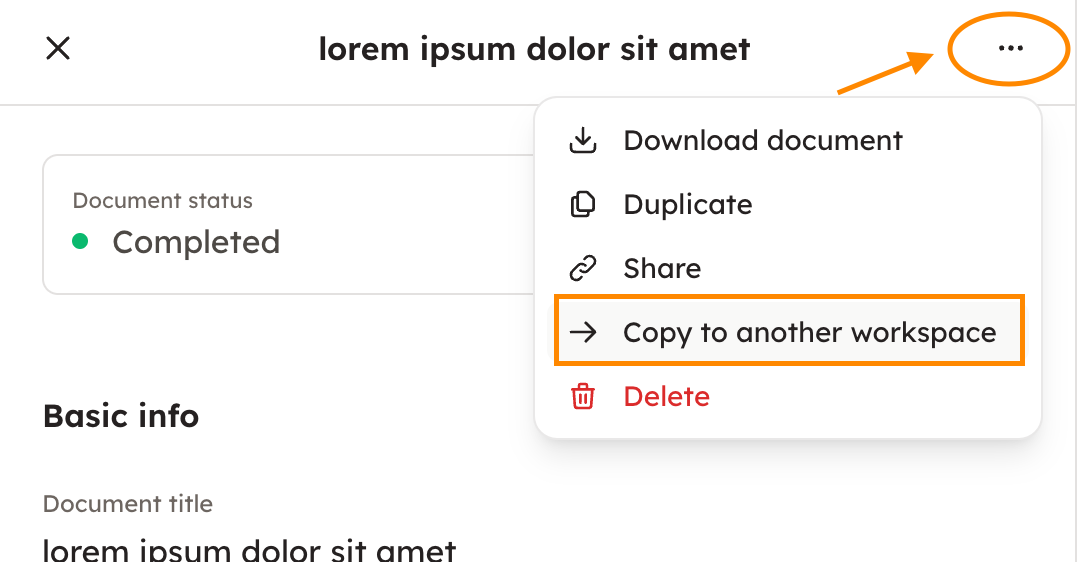
If you have access to multiple workspaces, you can copy finished documents from one workspace to another. First go to "All documents", and click the document you wish to copy from this workspace to another one. After that, choose three dots from the upper right corner, and "Copy to another workspace".
Keywords: storage, archive, reminders, notes, archive information, file, files, import, copy, workspace,